OpenGL Procedural Noise Generator (WIP)
Solo | Real-time noise visualiser built in C++ with OpenGL, SDL3 and Dear ImGui
2026-05-22 12:00:00 +0000
A real-time procedural noise visualiser built from scratch in C++, using OpenGL, SDL3, and Dear ImGui. The application renders noise algorithms in realtime, with a parameter panel for adjusting each shader’s parameters. The project is a work in progress with plans to export the noise into a lossless image format that can be used as a texture. As a stretch-goal, I intend to create 3D visualisation mode uses the noise as a displacement with a lighting model.
Check out the project on GitHub.
Why build this?
All of my C++ work is under NDA, and so I thought I would create a small program to demonstrate some knowledge of C++, program architecture and OpenGL, whilst building an understanding of the mathematics behind the procedural noise I use so often. This program is not indended for genuine use, rather my intent is to flex and train some programming muscle.
Architecture
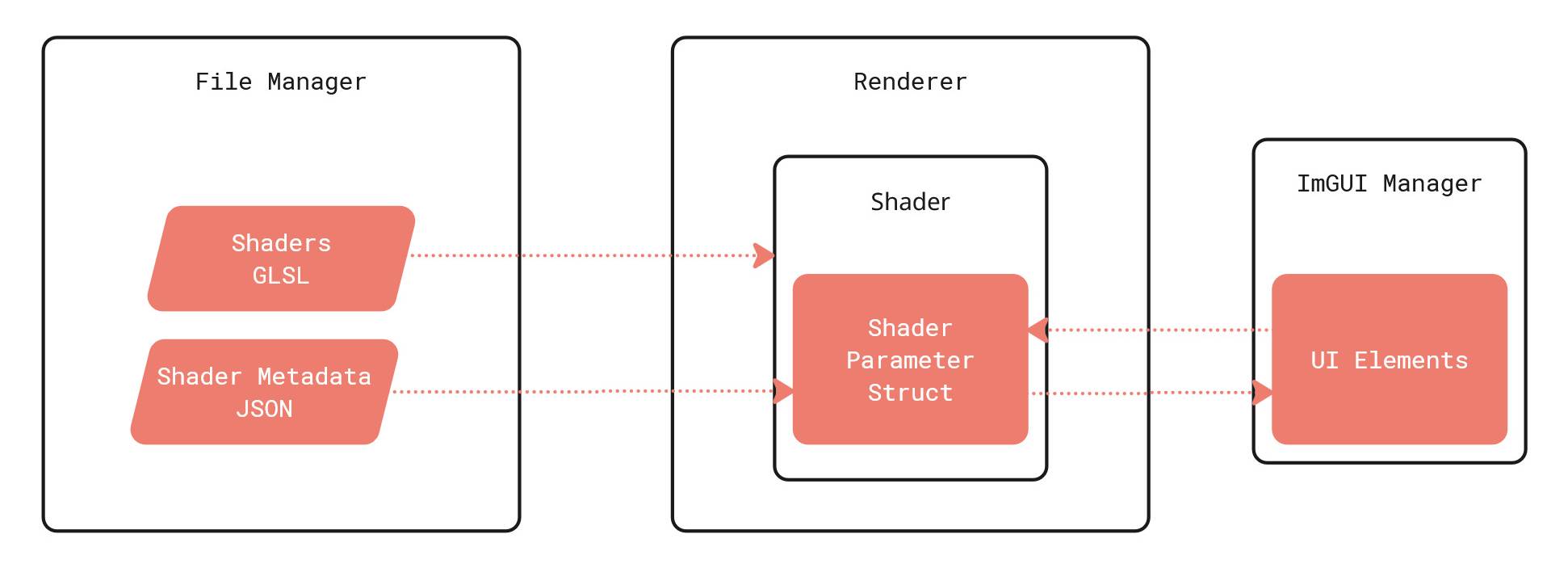
The application is structured around five classes with clearly separated responsibilities:
- SDLManager owns the window, OpenGL context, and event loop
- FileManager resolves asset paths and reads per-shader metadata from JSON files
- Shader compiles and links a GLSL program, owns its OpenGL handle, and stores its parameter list
- Renderer owns the mesh (VAO/VBO/EBO), manages the collection of
Shaderobjects, and drives the render loop - ImguiManager builds and renders the live parameter UI, reading from and writing to shader parameters each frame
Noise algorithms
The tool ships with five fragment shader implementations, each editable in real time through the parameter panel:
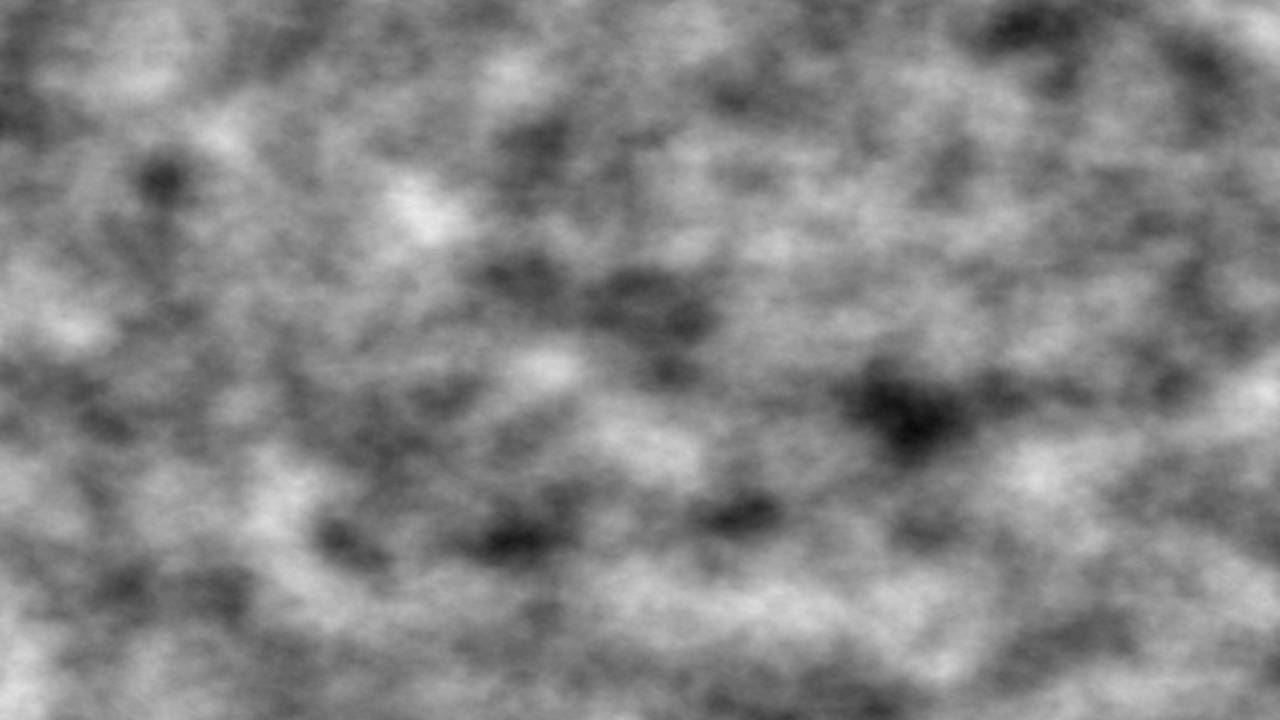
Perlin gradient noise with configurable octaves, tiling, and animation speed. Stacking octaves via a uniform produces smooth, organic output; lowering the count reveals the underlying lattice structure. The mathematics behind perlin noise was surprisingly chaotic, it didn’t have a tidy solution like cellular noise.
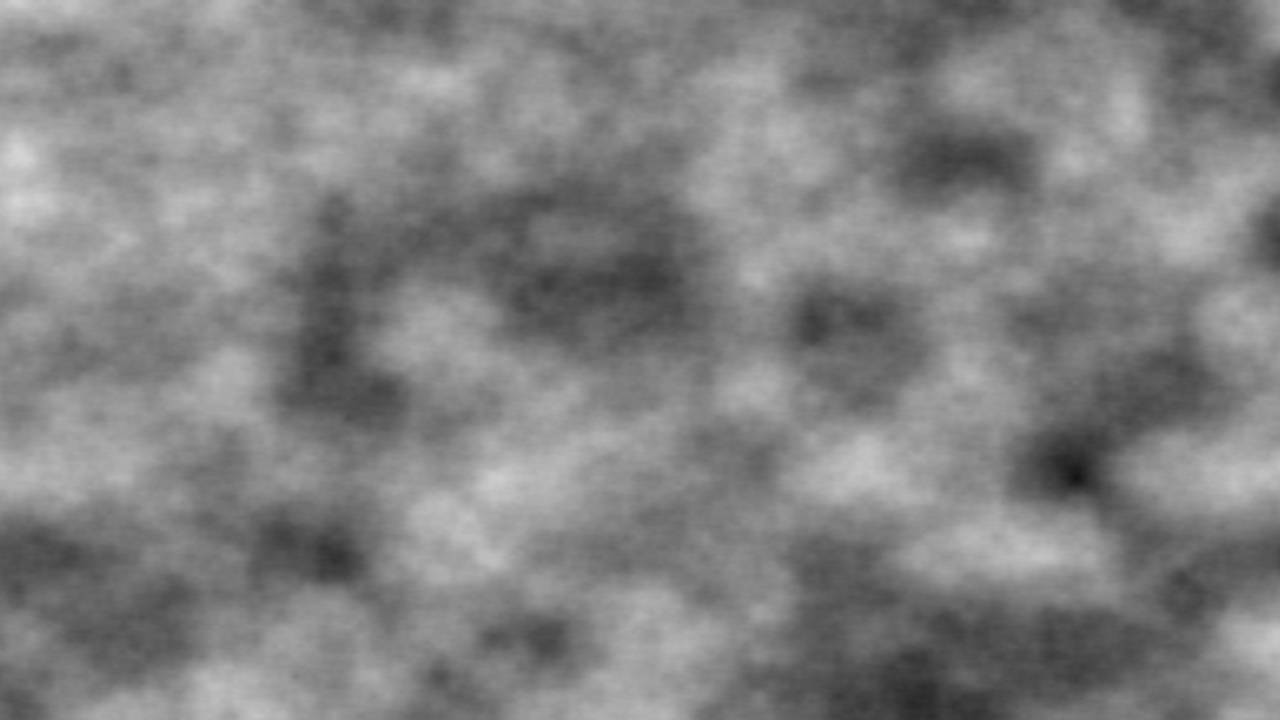
Value noise lattice-based and lower frequency than Perlin. Blockier output, useful for understanding the distinction between gradient and value approaches.
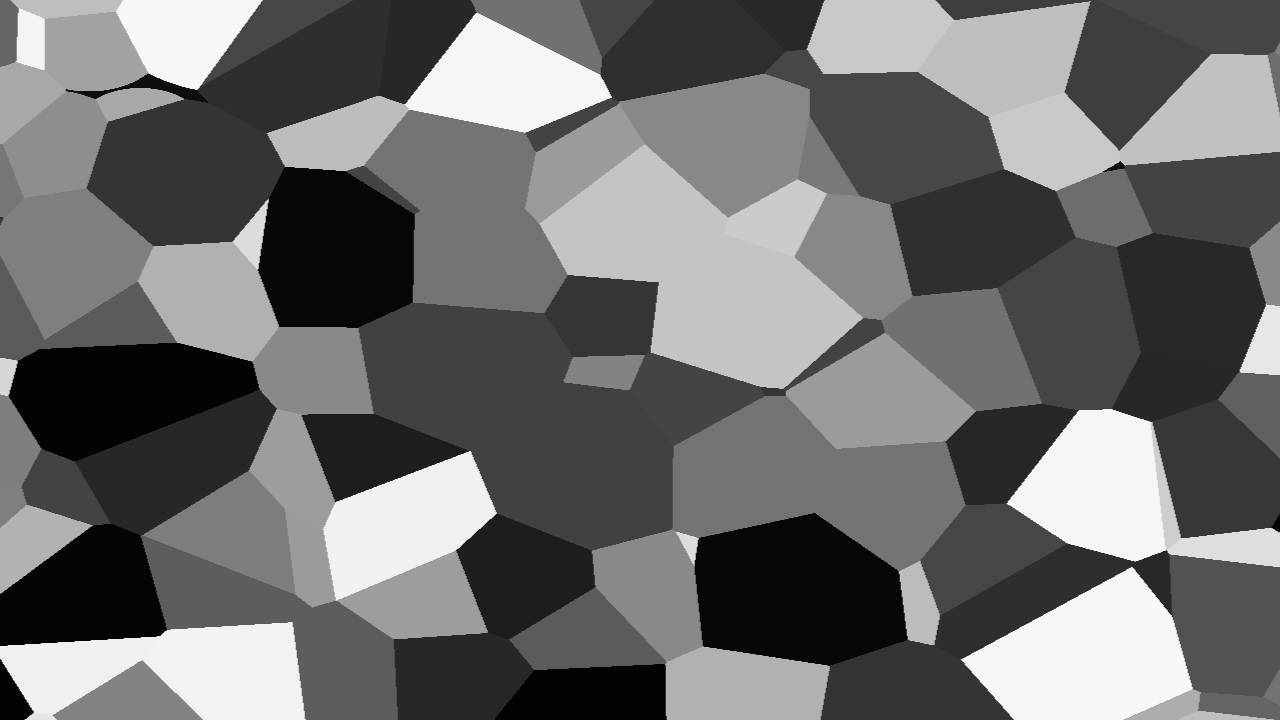
Voronoi cell noise generated from randomised feature points, with tiling and animation speed exposed. Produces the irregular, organic cell patterns common in biological and terrain materials.
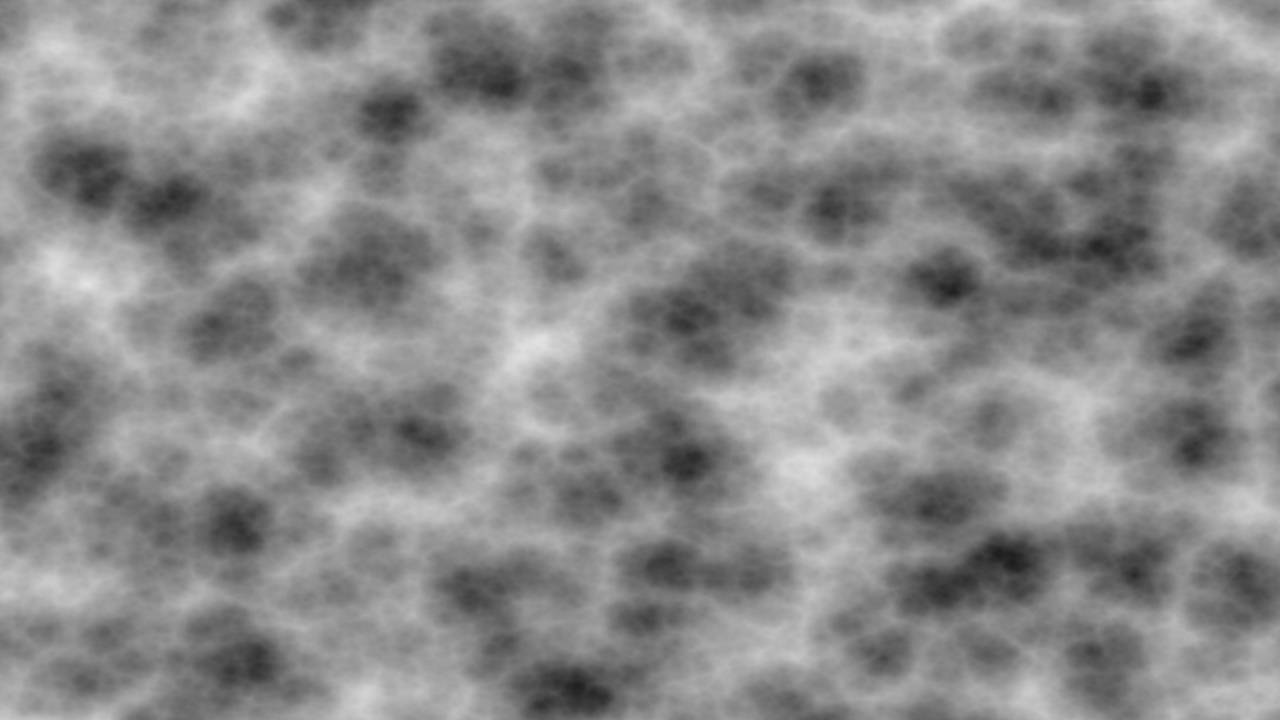
Worley distance-to-nearest-feature noise, giving the cracked or cellular look used in skin, rock, and water shaders.
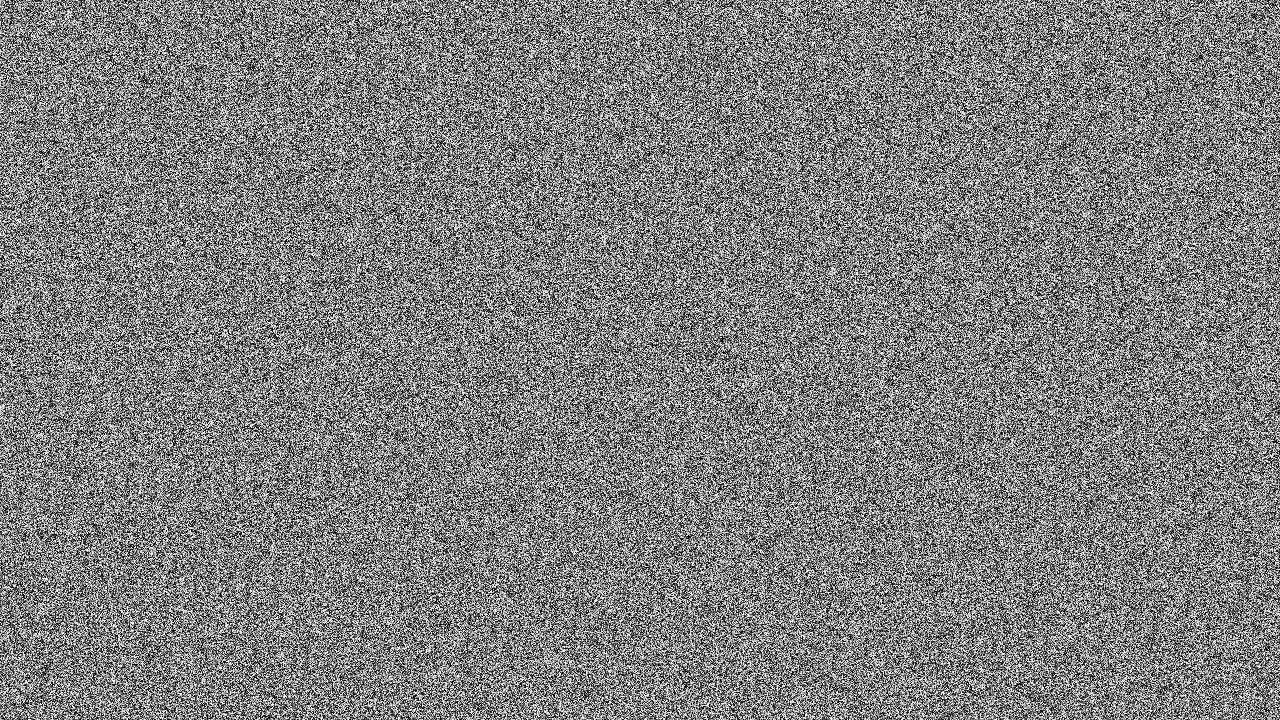
White noise uniform random per pixel.
Data-driven shader parameters
While the parameters for each shader are similar, there are slight nuances. I sought to find a means to create parameters that were specific to each shader, easy to update but not over-engineered. I considered reading the parameters directly from the Shader, and parsing this information before passing it to ImGUI, but I decided that controlling the shaders from a separate JSON file would simplify this process. It is also a more scalable solution, we can add any new metadata to JSON allowing us to keep the GLSL as lean as possible.
{
    "name": "Perlin",
    "filename": "perlin.frag",
    "parameters": [
        { "name": "Time Scale", "uniform": "TimeScale",   "type": "float", "default": 1.0, "min": 0.0,  "max": 10.0, "step": 0.01 },
        { "name": "Tiling",     "uniform": "NoiseTiling", "type": "float", "default": 1.0, "min": 0.01, "max": 10,   "step": 0.01 },
        { "name": "Octaves",    "uniform": "Octaves",     "type": "int",   "default": 5,   "min": 1,    "max": 12,   "step": 1.0  }
    ]
}
The shaders read the metadata on launch, and store them in a ShaderParameters struct. ImguiManager reads ShaderParameters at runtime and selects the appropriate widget; SliderFloat for continuous values, SliderInt where step == 1. Any changed value is sent back to the value inside ShaderParameters.
What’s next
Planned extensions include writing the rendered output to disk as an image file, and visualising the noise on a lit 3D mesh- moving from a flat preview to seeing how each algorithm behaves on surface geometry, which is closer to how these patterns are used in production shader work.